DrawLens

Trace any picture.
Draw like a pro.

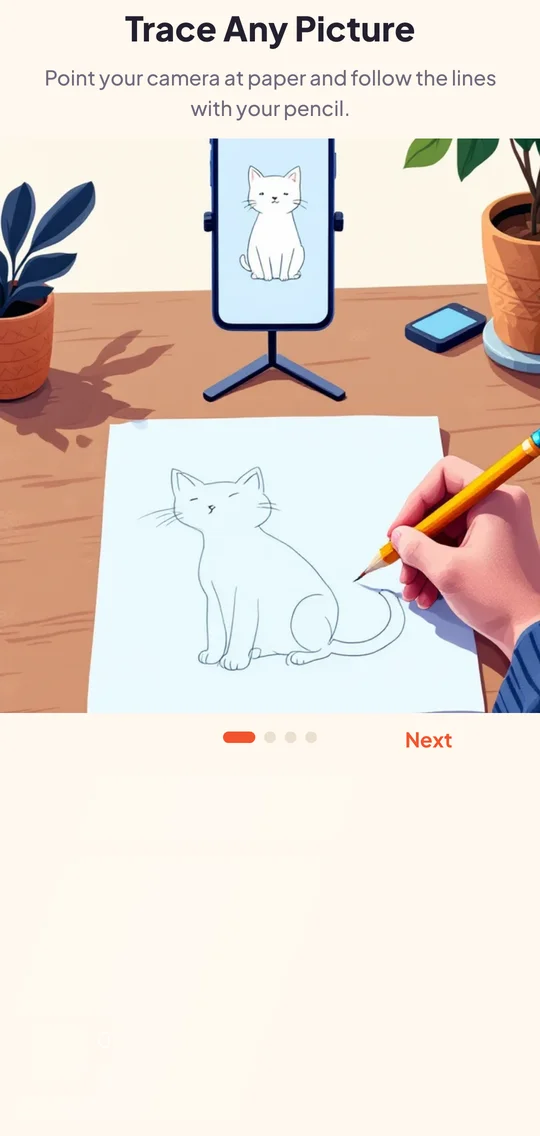
DrawLens projects a sketch guide through your camera so you can trace it onto real paper. Pick from hundreds of ideas or use your own photos.

GET IT ONGoogle Play
Works offlineNo account neededFree to use
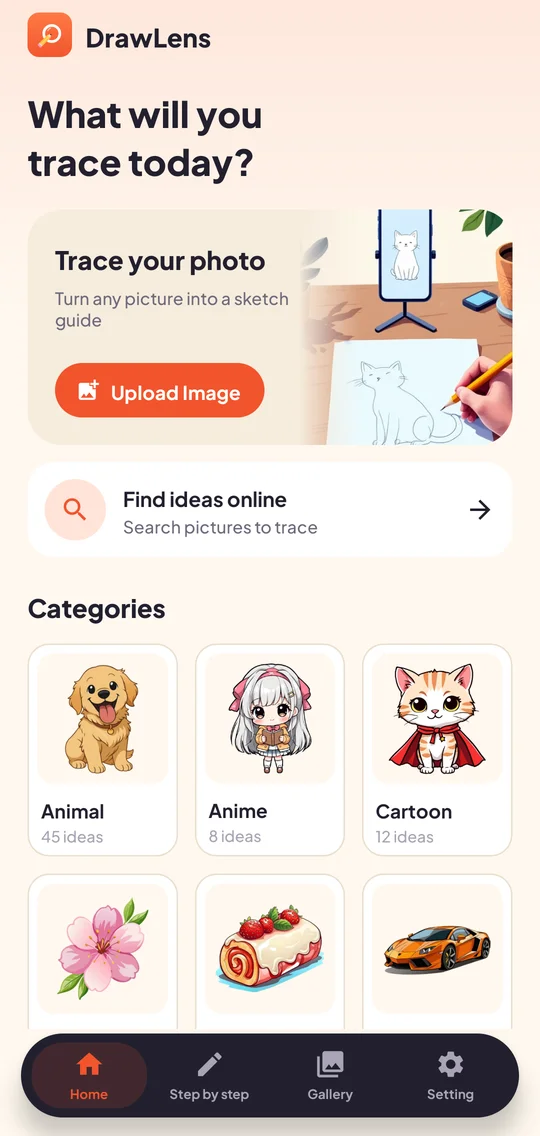
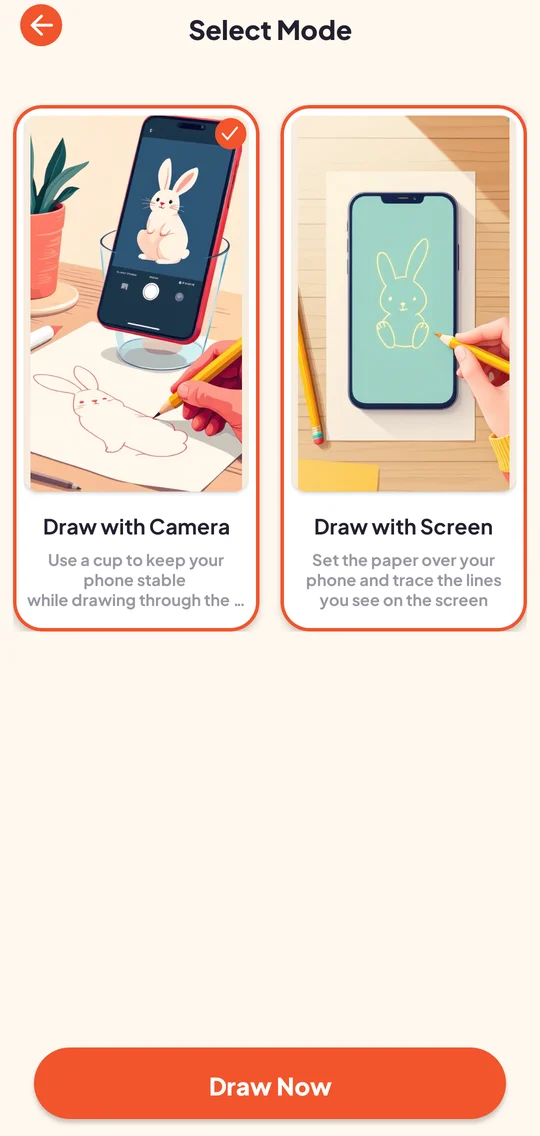
DrawLens home screenChoose drawing mode

Everything you need to start drawing

Simple tools that help beginners and hobbyists put great lines on paper.

AR camera tracing

Place your phone on a cup, point the camera at paper and follow the faint outline with your pencil.

Screen tracing mode

Lay thin paper over your screen and trace the glowing lines — no camera needed.

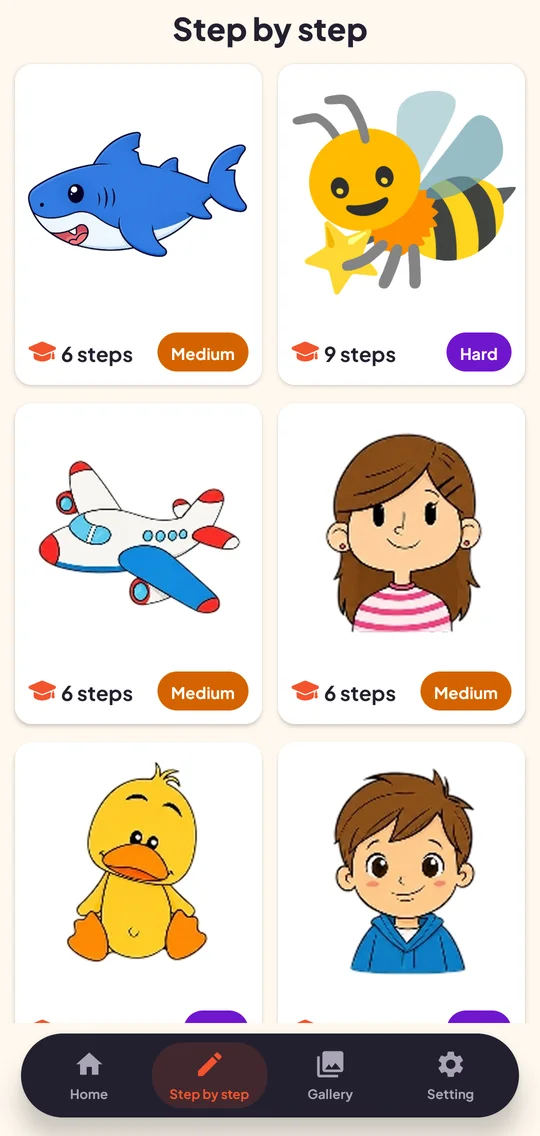
Step-by-step lessons

Guided lessons build a drawing from simple shapes to the finished sketch.

Trace your own photos

Pick any picture from your gallery or camera and turn it into a line sketch to follow.

Opacity, flip & lock

Fine-tune transparency, mirror the image and lock it in place while you draw.

Capture & share

Snap a photo of your finished artwork or record your drawing session to share.
A closer look

Bright, clean screens built around your sketchbook.

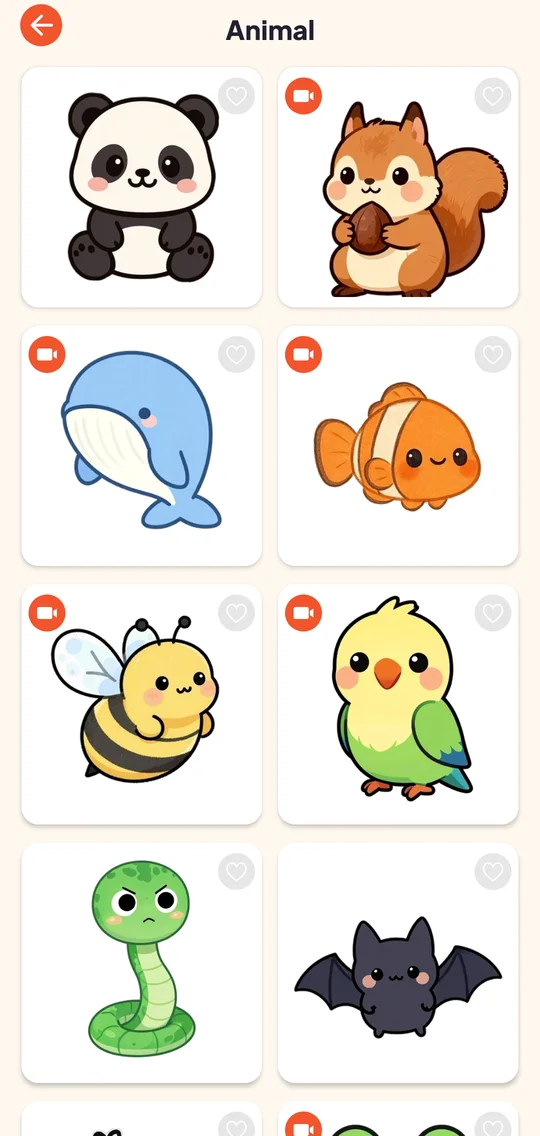
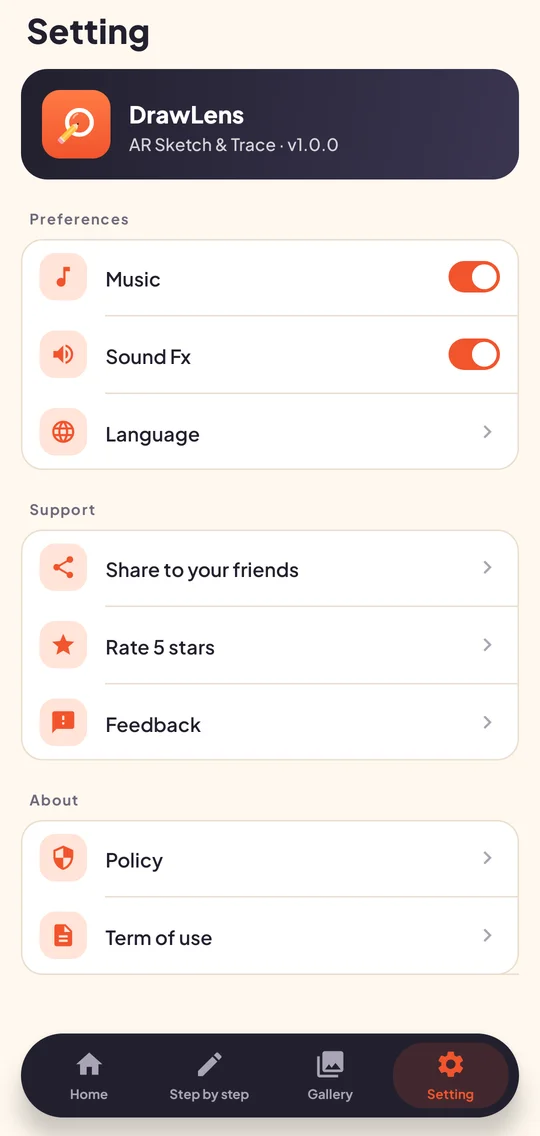
OnboardingHomeCategoryDrawing modesStep lessonsSettings

Your drawings stay yours

The camera feed is used live on your device to show the overlay. Photos and videos you capture are saved to your own gallery — we don't upload them.

  • Camera & microphone only when you use AR tracing or recording
  • Drawing library bundled in the app — works without internet
  • Ads consent handled through Google's consent form where required
  • No sign-up, no profile, no contacts access

Ready to sketch?

Download DrawLens and trace your first drawing in minutes.

GET IT ONGoogle Play